> ## Documentation Index
> Fetch the complete documentation index at: https://adminroletesting-mintlify-999c9ea9.mintlify.site/llms.txt
> Use this file to discover all available pages before exploring further.
# Configure the assistant
> Configure the AI assistant in your Mintlify dashboard: toggle availability, customize responses, add starter questions, set bot protection, and manage billing.
Configure the assistant on the [Assistant](https://app.mintlify.com/products/assistant) page of your dashboard. Manage billing and usage on the [Usage](https://app.mintlify.com/settings/organization/usage) page.
## Enable or disable the assistant
Toggle the assistant status to enable or disable the assistant for your documentation site.

 ## Set deflection emails
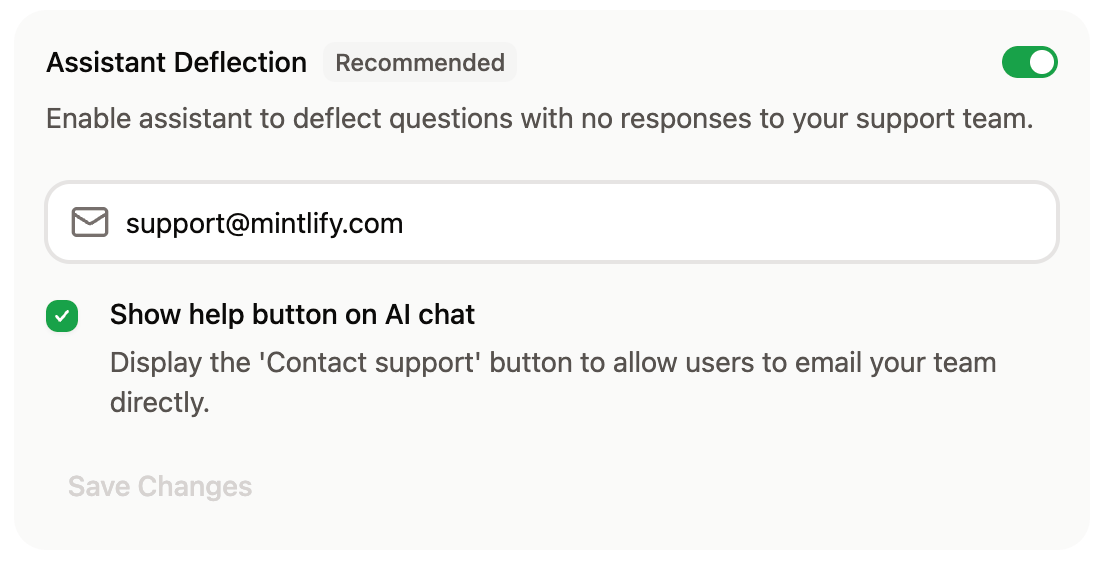
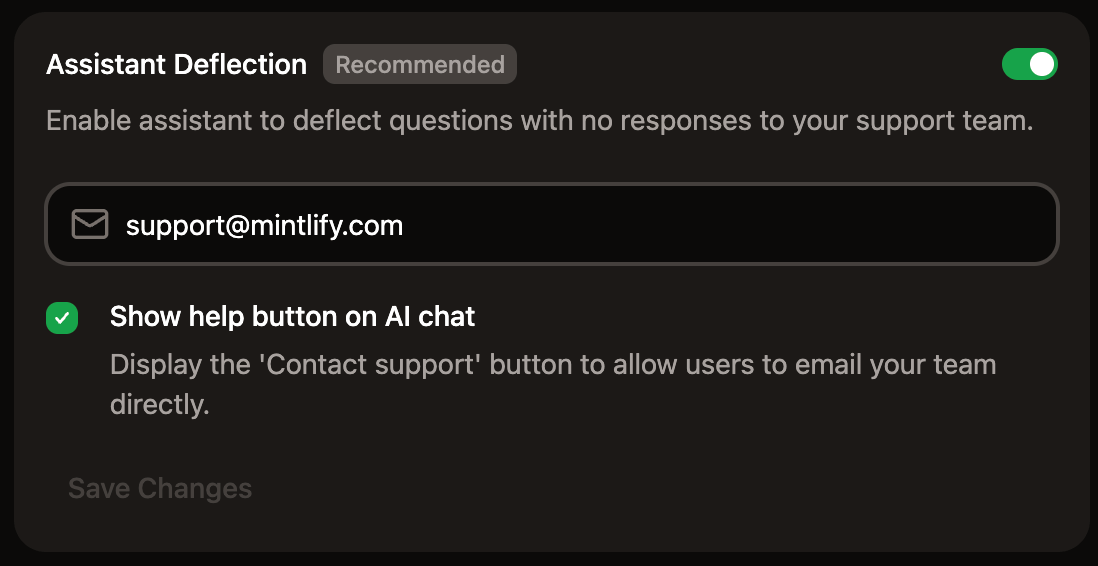
In the Response Handling section, enable the assistant to prompt users to contact your support and sales teams when it can't answer a question on its own.
Enter one or both of the following addresses:
* **Support**: For questions the assistant can't resolve from your documentation.
* **Sales**: For questions about pricing, plans, or purchasing.
When deflection is enabled and the assistant detects a matching question, an in-chat contact form appears with the user's message ready to send to the appropriate team. If the user is signed in, their email is pre-filled. Deflection turns on as soon as at least one address is saved.
## Set deflection emails
In the Response Handling section, enable the assistant to prompt users to contact your support and sales teams when it can't answer a question on its own.
Enter one or both of the following addresses:
* **Support**: For questions the assistant can't resolve from your documentation.
* **Sales**: For questions about pricing, plans, or purchasing.
When deflection is enabled and the assistant detects a matching question, an in-chat contact form appears with the user's message ready to send to the appropriate team. If the user is signed in, their email is pre-filled. Deflection turns on as soon as at least one address is saved.
 ## Search domains
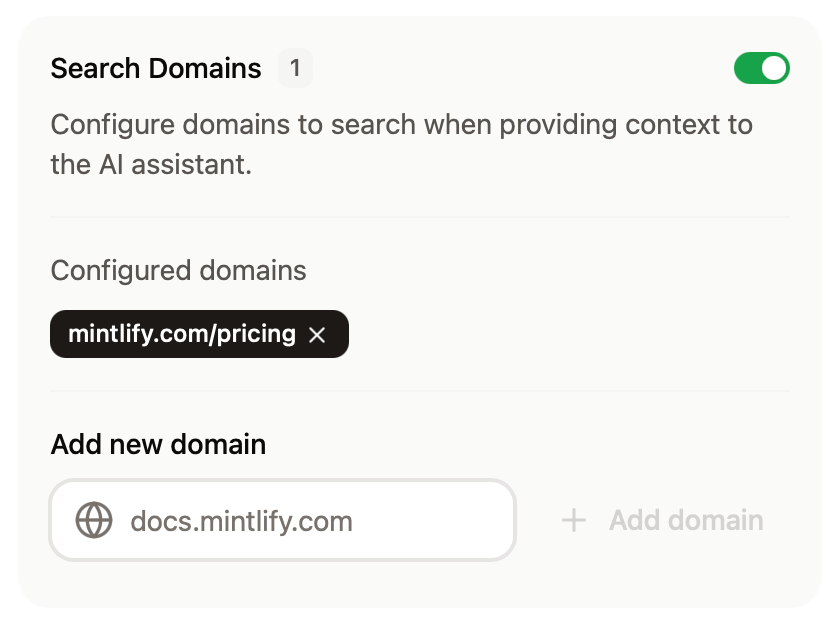
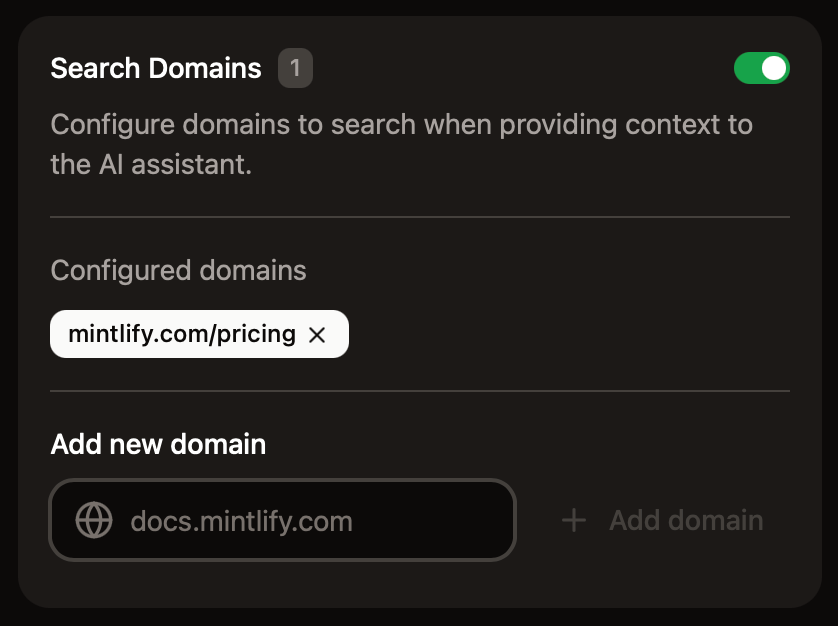
In the Response Handling section, configure domains that the assistant can use for web search to find additional context when answering questions.
* Domains must be publicly available.
* Domains that require JavaScript to load are not supported.
## Search domains
In the Response Handling section, configure domains that the assistant can use for web search to find additional context when answering questions.
* Domains must be publicly available.
* Domains that require JavaScript to load are not supported.
 For more precise control over what the assistant can search, use filtering syntax.
* **Domain-level filtering**
* `example.com`: Search only the `example.com` domain
* `docs.example.com`: Search only the `docs.example.com` subdomain
* `*.example.com`: Search all subdomains of `example.com`
* **Path-level filtering**
* `docs.example.com/api`: Search all pages under the `/api` subpath
* **Multiple patterns**
* Add multiple entries to target different sections of sites
## Add sample questions
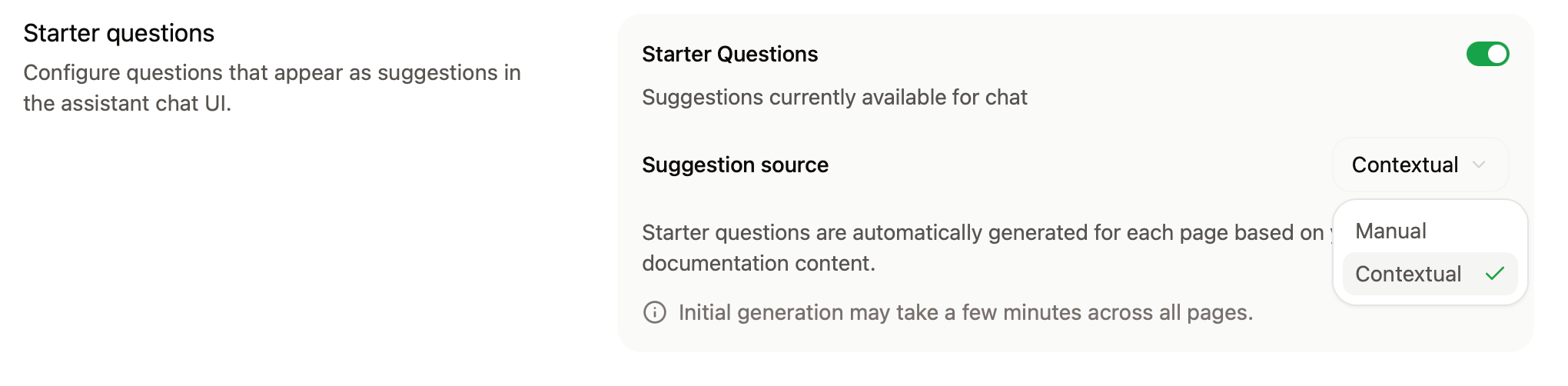
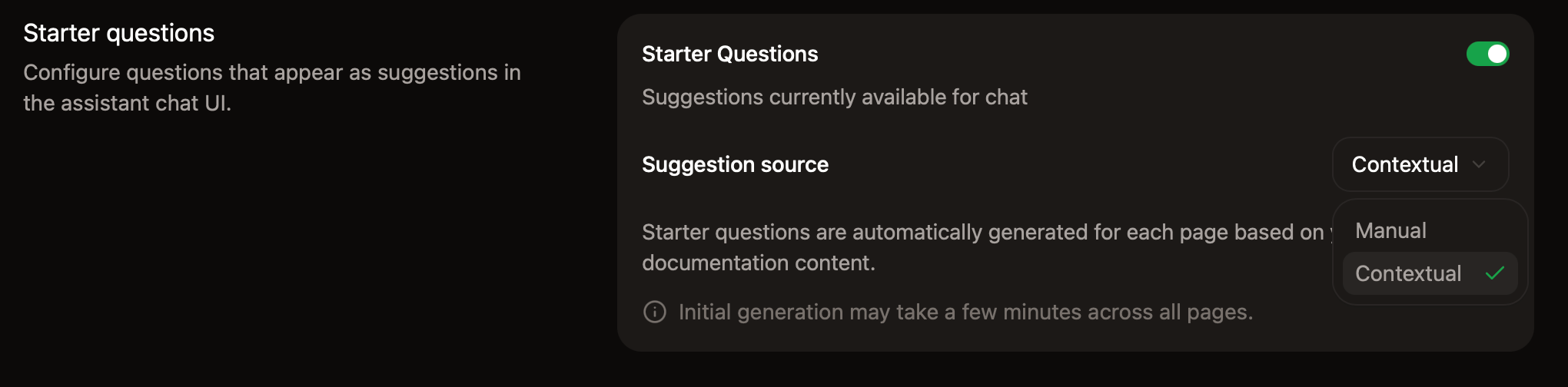
Help your users begin conversations with the assistant by adding starter questions.
The assistant can generate page-specific questions based on the page a user is viewing or you can add persistent questions that are available across pages.
You can add up to three starter questions. Click **Ask Assistant** for recommended questions based on your documentation.
For more precise control over what the assistant can search, use filtering syntax.
* **Domain-level filtering**
* `example.com`: Search only the `example.com` domain
* `docs.example.com`: Search only the `docs.example.com` subdomain
* `*.example.com`: Search all subdomains of `example.com`
* **Path-level filtering**
* `docs.example.com/api`: Search all pages under the `/api` subpath
* **Multiple patterns**
* Add multiple entries to target different sections of sites
## Add sample questions
Help your users begin conversations with the assistant by adding starter questions.
The assistant can generate page-specific questions based on the page a user is viewing or you can add persistent questions that are available across pages.
You can add up to three starter questions. Click **Ask Assistant** for recommended questions based on your documentation.
 ## Bot protection
In the Bot Protection section, enable invisible captcha to protect your assistant from automated abuse. The bot protection is privacy-friendly and invisible to nearly all visitors.
To enable bot protection:
1. Go to the [Assistant settings](https://app.mintlify.com/products/assistant/settings) page in your dashboard.
2. In the **Bot Protection** section, toggle **Invisible Captcha** on.
Changes take up to 10 minutes to propagate.
If you use custom [Content Security Policy headers](/deploy/csp-configuration), you must include `hcaptcha.com` and `*.hcaptcha.com` in your allowlist.
## Manage billing
The assistant runs on credits. Each assistant message consumes credits, where a message is any user interaction with the assistant that receives a response. See [Credit pricing](/credits) for more information.
### Change your credit tier
1. Go to the [Usage](https://app.mintlify.com/settings/organization/usage) page of your dashboard.
2. In the **Credit packages** section, select a tier from the dropdown menu.
3. Confirm the change to proceed to checkout.
### Allow overages
Overages are disabled by default. With overages disabled, the assistant is unavailable once you reach your credit allowance and remains unavailable until your allowance resets.
To allow overages, enable them in the **Spending controls** section of the [Usage](https://app.mintlify.com/settings/organization/usage) page of your dashboard. If you enable overages, each credit beyond your allowance incurs an overage charge.
### Set usage alerts
In the **Spending controls** section of your dashboard, set usage alerts to receive an email when you reach a certain percentage of your credit allowance.
### Higher credit volumes
For plans larger than 10,000 credits per month, [contact sales](mailto:sales@mintlify.com) to discuss custom credit packages.
## Bot protection
In the Bot Protection section, enable invisible captcha to protect your assistant from automated abuse. The bot protection is privacy-friendly and invisible to nearly all visitors.
To enable bot protection:
1. Go to the [Assistant settings](https://app.mintlify.com/products/assistant/settings) page in your dashboard.
2. In the **Bot Protection** section, toggle **Invisible Captcha** on.
Changes take up to 10 minutes to propagate.
If you use custom [Content Security Policy headers](/deploy/csp-configuration), you must include `hcaptcha.com` and `*.hcaptcha.com` in your allowlist.
## Manage billing
The assistant runs on credits. Each assistant message consumes credits, where a message is any user interaction with the assistant that receives a response. See [Credit pricing](/credits) for more information.
### Change your credit tier
1. Go to the [Usage](https://app.mintlify.com/settings/organization/usage) page of your dashboard.
2. In the **Credit packages** section, select a tier from the dropdown menu.
3. Confirm the change to proceed to checkout.
### Allow overages
Overages are disabled by default. With overages disabled, the assistant is unavailable once you reach your credit allowance and remains unavailable until your allowance resets.
To allow overages, enable them in the **Spending controls** section of the [Usage](https://app.mintlify.com/settings/organization/usage) page of your dashboard. If you enable overages, each credit beyond your allowance incurs an overage charge.
### Set usage alerts
In the **Spending controls** section of your dashboard, set usage alerts to receive an email when you reach a certain percentage of your credit allowance.
### Higher credit volumes
For plans larger than 10,000 credits per month, [contact sales](mailto:sales@mintlify.com) to discuss custom credit packages.